QC
What FSBuy actually checks when an item reaches its warehouse
Every parcel is opened and inspected on arrival. Here is what that inspection covers, what it does not cover, and how to read the result.
Inspect now; decide whether to store afterwards
An item can be eligible to remain in storage while its return opportunity is much shorter. Treat “can stay here” and “can still be returned” as separate questions, using the dates and terms attached to that item.
| Warehouse record | Your action |
|---|---|
| Inbound date and item reference | Record the starting event shown in the account; do not substitute the purchase date. |
| Photos available | Compare quantity, option and visible condition now, before deciding to wait for other items. |
| Problem or missing view | Contact support with the item reference, specific discrepancy and requested next step. |
For a two-seller order, a late second item is not a reason to postpone checking the first. Use the warehouse-to-parcel steps and storage terms to plan each clock separately.
What FSBuy's standard inspection covers
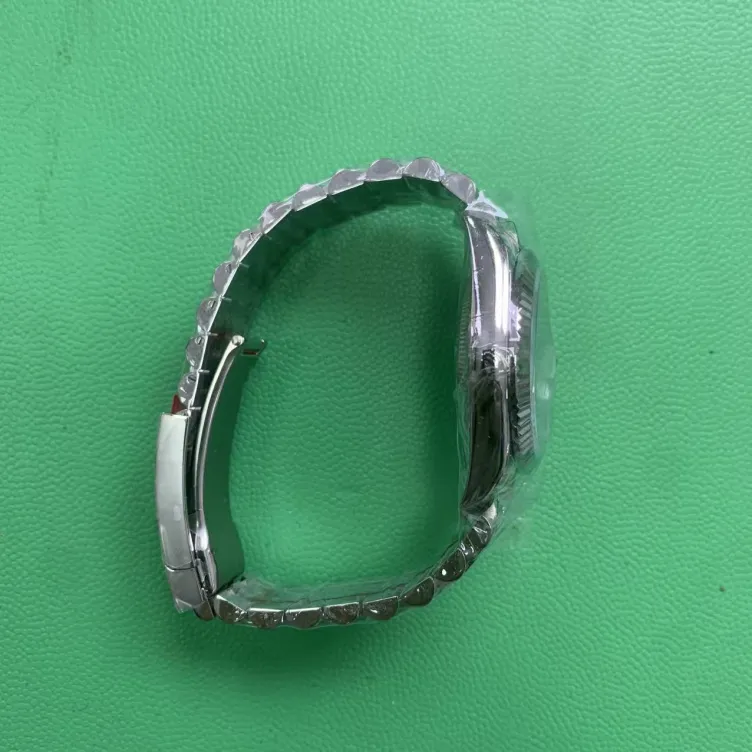
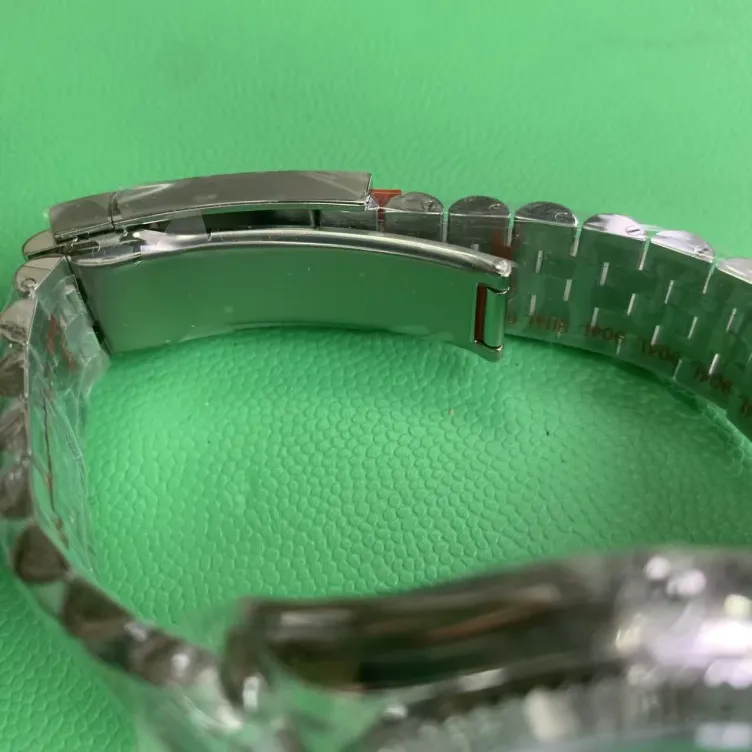
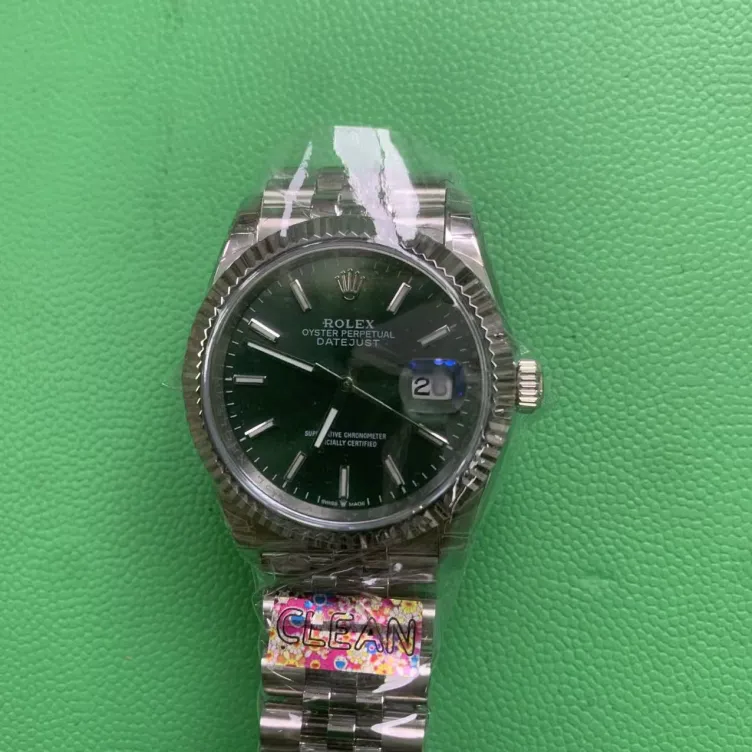
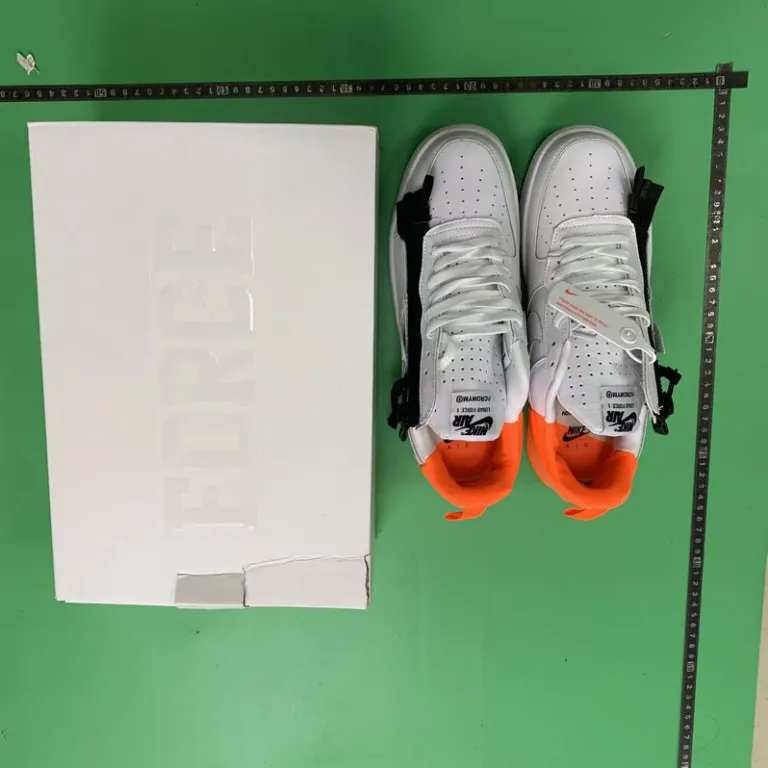
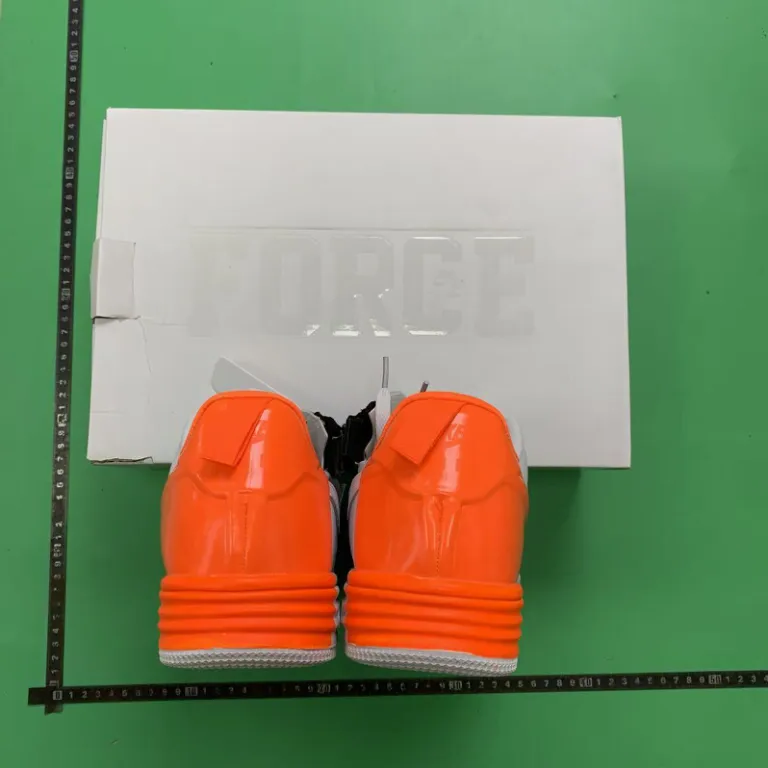
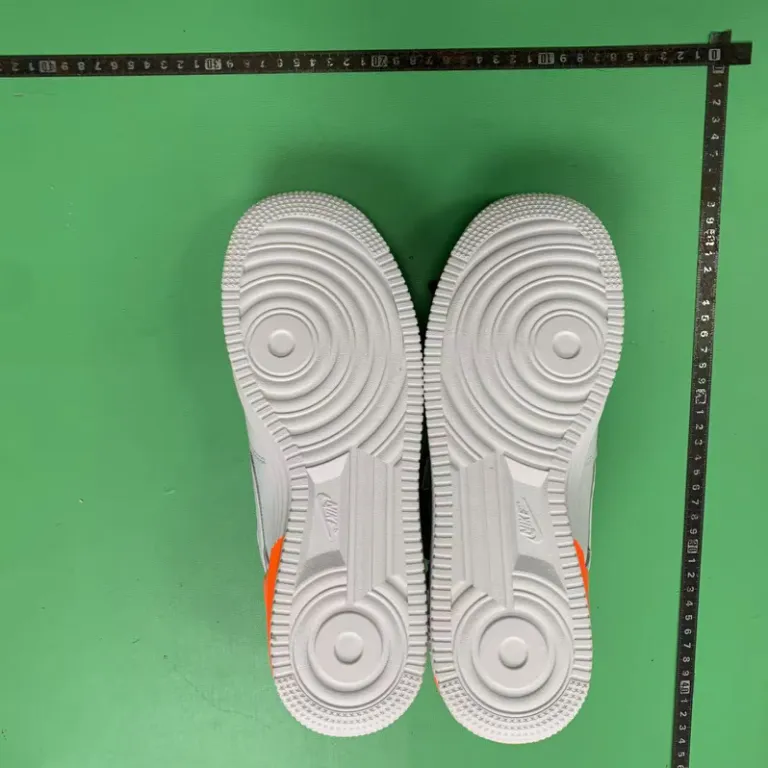
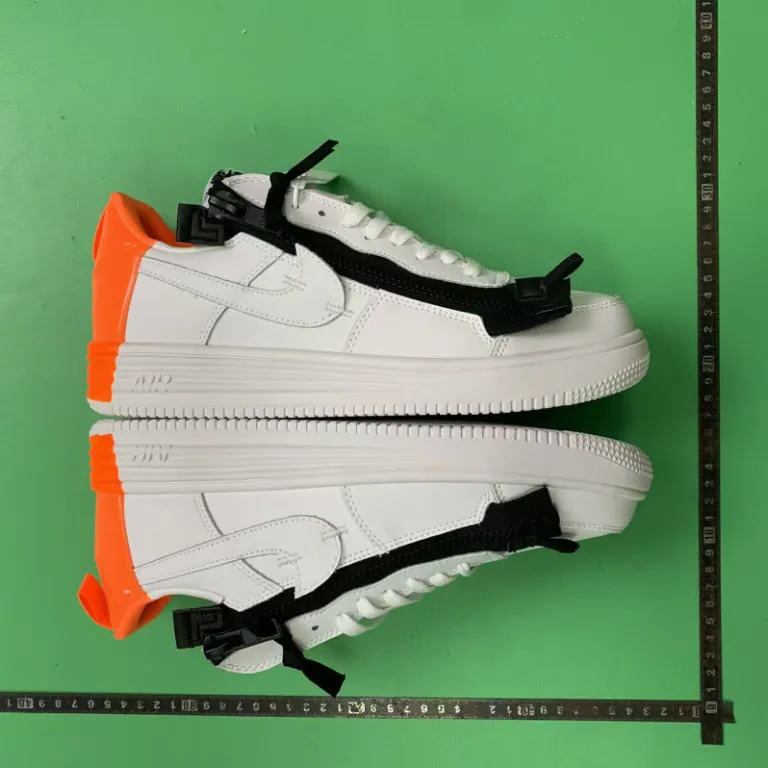
FSBuy's warehouse opens every parcel, checks for stains, damage and missing items, weighs the contents, and logs it into storage. On top of that baseline, FSBuy takes free multi-angle appearance photos — front, back, side and detail — and markets a free QC video as a standing feature rather than a paid add-on, which is unusual among agents that typically charge for video separately.
Where to actually find the photos
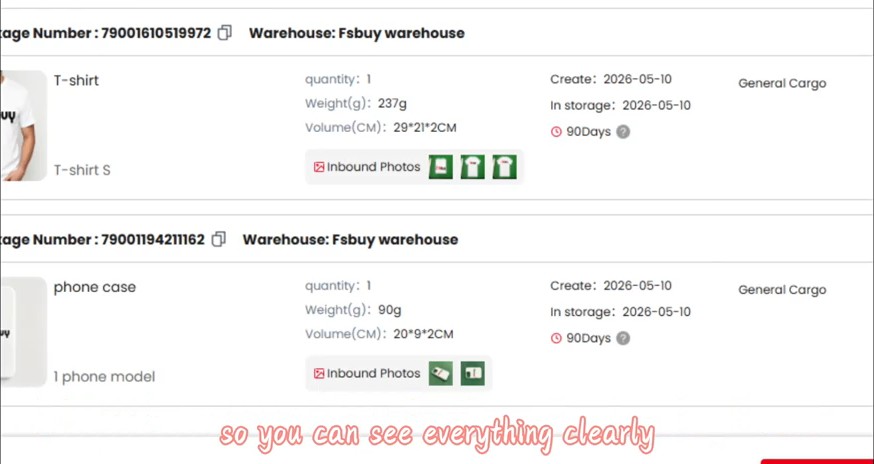
Once an item is logged into the warehouse (shown here), each line carries its own "Inbound Photos" buttons. That inbound list is also where weight and volume are recorded — both of which feed directly into freight pricing once you move to the shipping step.
The 90-day badge sitting next to each line item is the same free-storage clock described on the costs page — it starts counting from the exact date shown here, not from the date you originally placed the order, so seller transit before that recorded start is not itself time used from this storage clock.
What does not get checked
Electronics, digital items and sealed goods (CDs, collectible figures, intimate items) get an exterior-only check — no power-on test, no unsealing. If working condition matters to you for an electronics order, that is something to confirm with the seller before you buy, not something the warehouse inspection will catch for you. FSBuy's inspection also does not verify authenticity, trademark authorisation or IP status of an item, which the company states directly in its own registration agreement — separate from, and consistent with, the prohibition on knowingly buying counterfeits covered on the FSBuy page.
Reading FSBuy's QC photos like they actually matter
- Check the detail angle first, not the front-on shot — stitching, hardware and print alignment show up there and nowhere else.
- Compare the photographed item against the original listing photos; a mismatch in colour or stated material is worth flagging to support before the parcel moves further.
- For sealed or electronic items, remember the check stopped at the exterior — treat "QC passed" as "box arrived intact," not "unit powers on."
- Screenshots with a visible amount printed on them (on FSBuy's own order or packing screens) are the operator's own numbers at the time of capture, not a live price feed — check your own account for the current figure.
Category-specific QC notes for all sixteen categories on this site live on the Spreadsheet page, one line each.
A worked example: reading the warehouse screen above
The inbound-list screenshot higher on this page shows two real line items: a t-shirt logged at 237 grams with a 29×21×2 cm volume, and a phone case logged at 90 grams with a 20×9×2 cm volume, both entering a 90-day free-storage window on the same date. Both carry green "Inbound Photos" buttons, meaning the multi-angle photo set described above has already been attached to each line — that is the point at which you would actually open the photos and check the detail angle before deciding whether to ship, request an extension, or raise a problem with support.
If the QC photos show a real problem
Contact FSBuy support with the order number and a description of the specific issue visible in the photos before the parcel is packed for international shipping — once it has shipped, resolving a condition issue becomes harder because the warehouse no longer has the item in hand to re-inspect. This is also the point where the Return & Refund terms covered on the guide page become relevant, since they are tied to the warehousing date rather than a later delivery date.
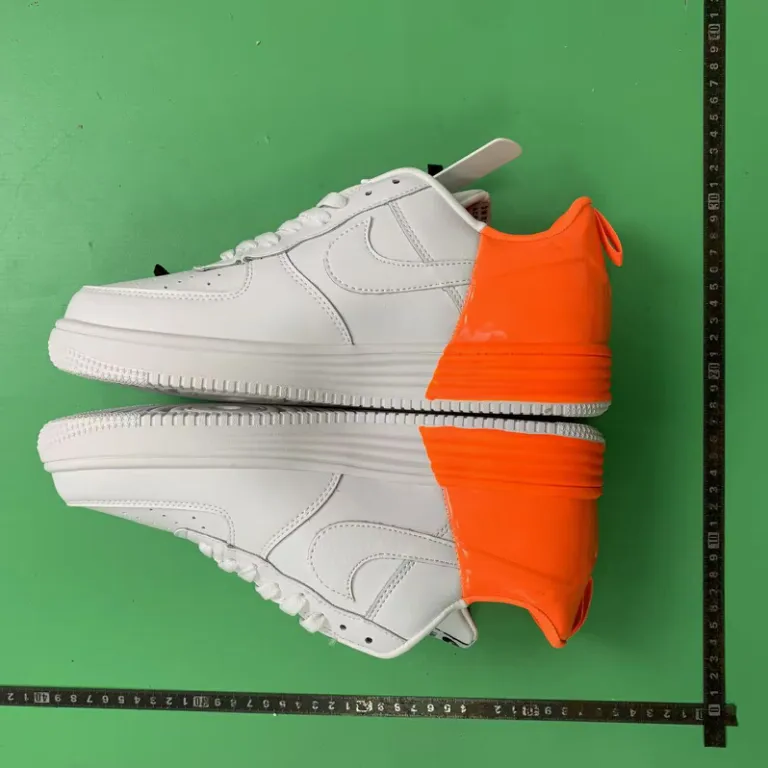
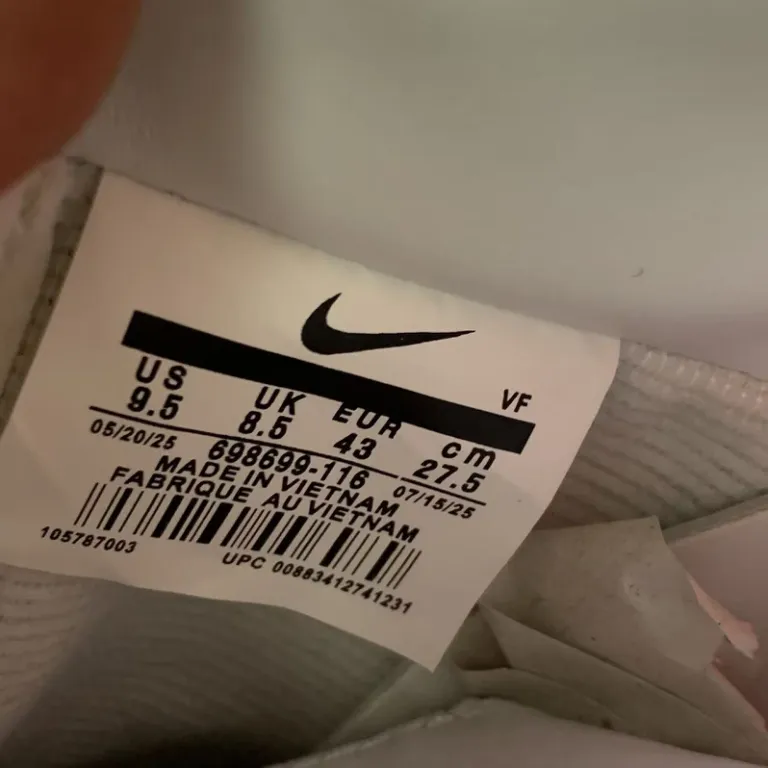
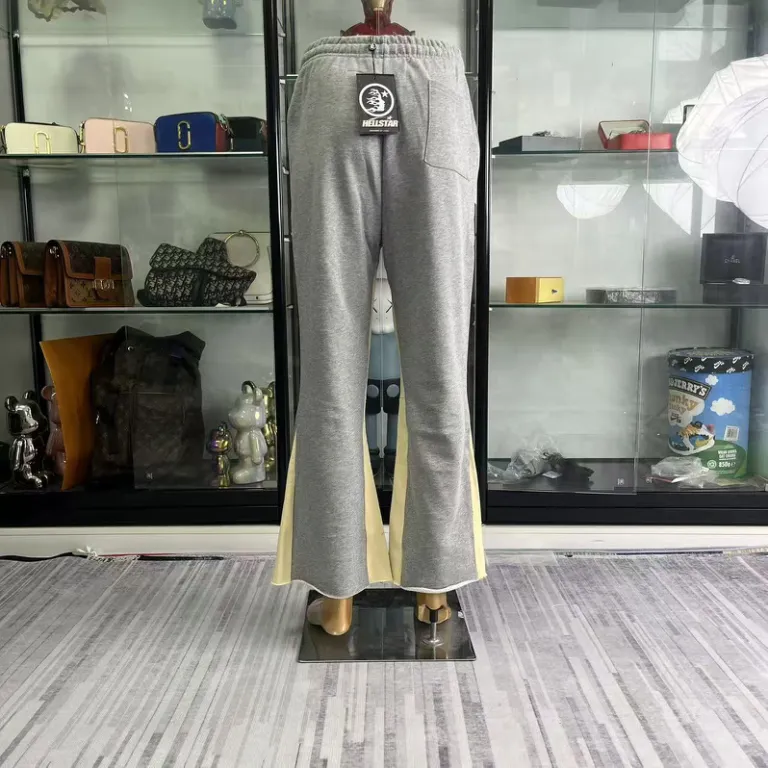
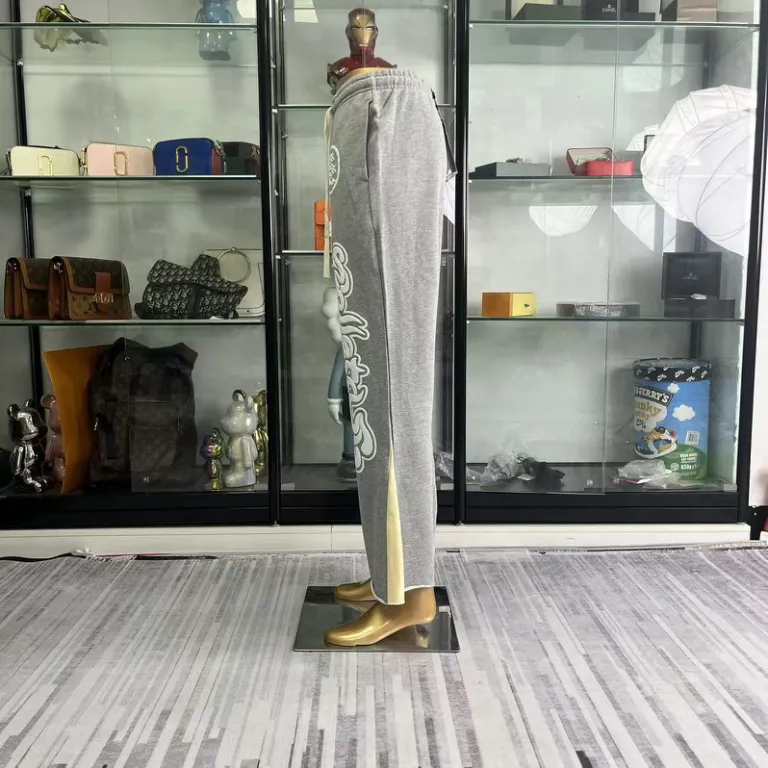
Sneaker, jogger and accessory QC photos
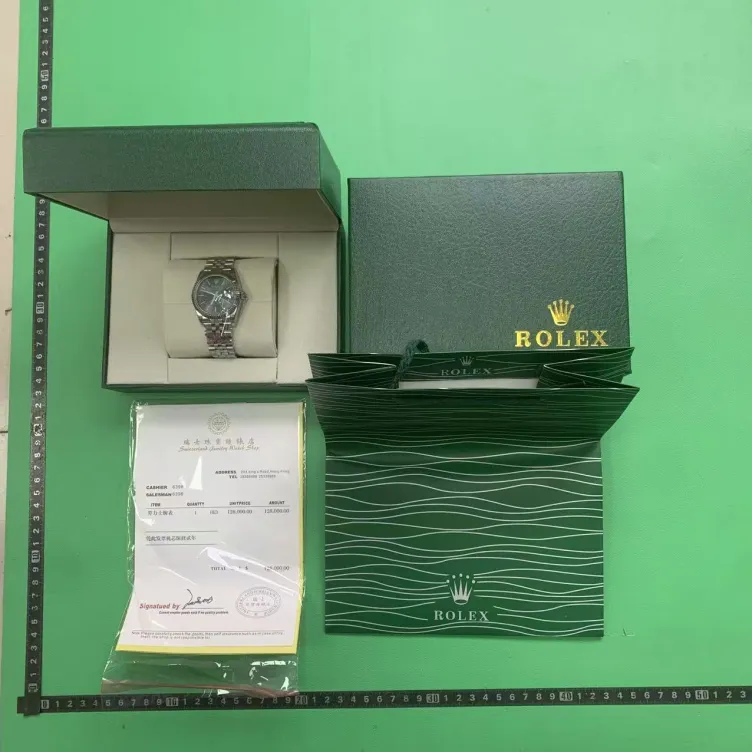
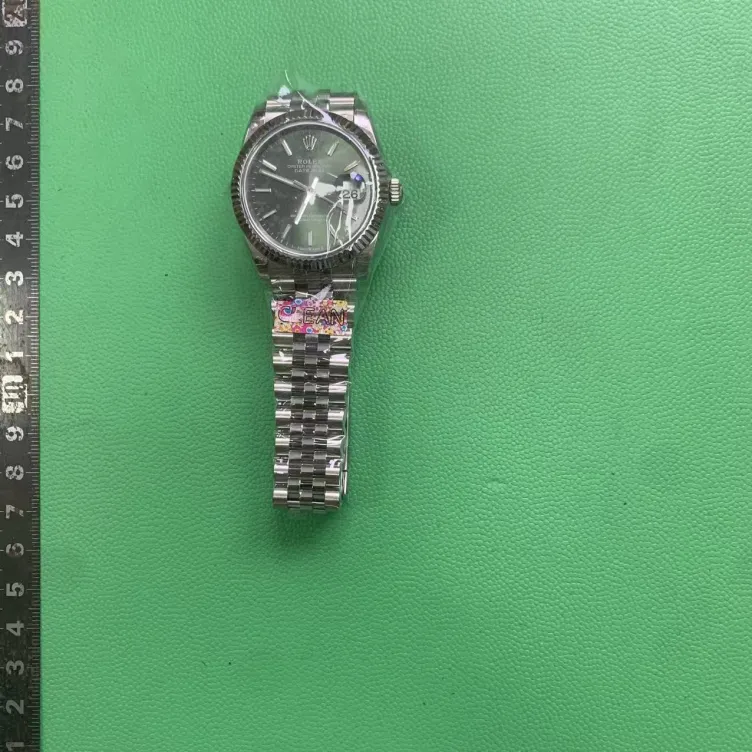
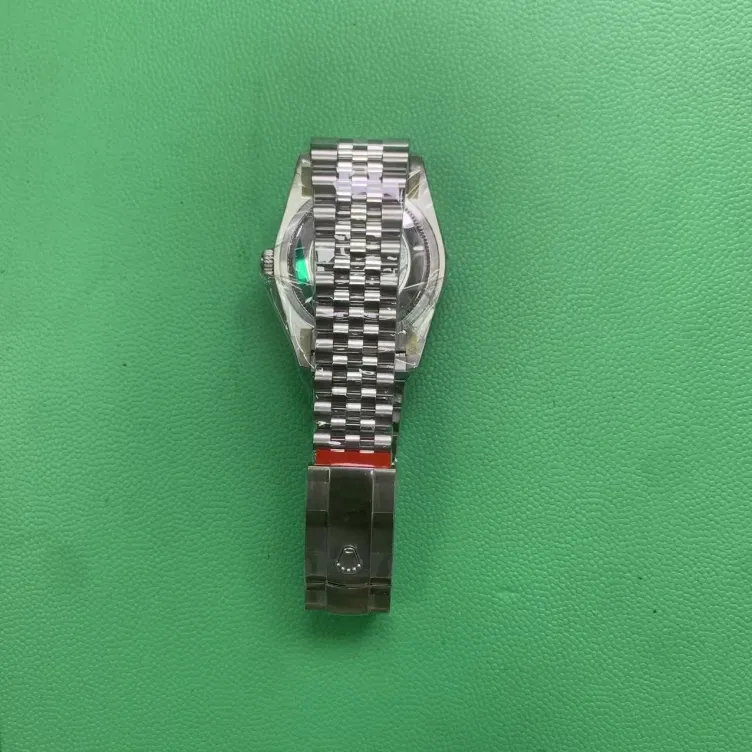
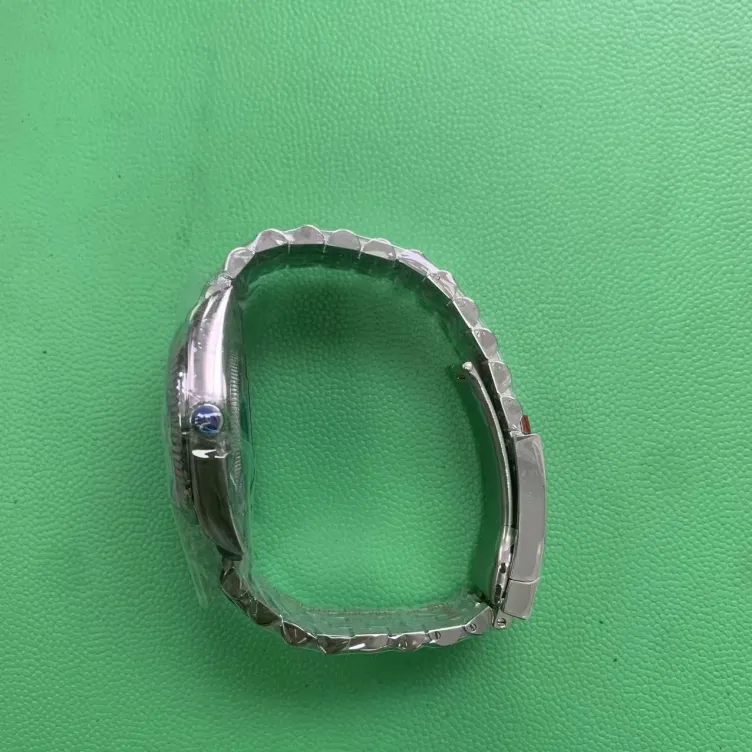
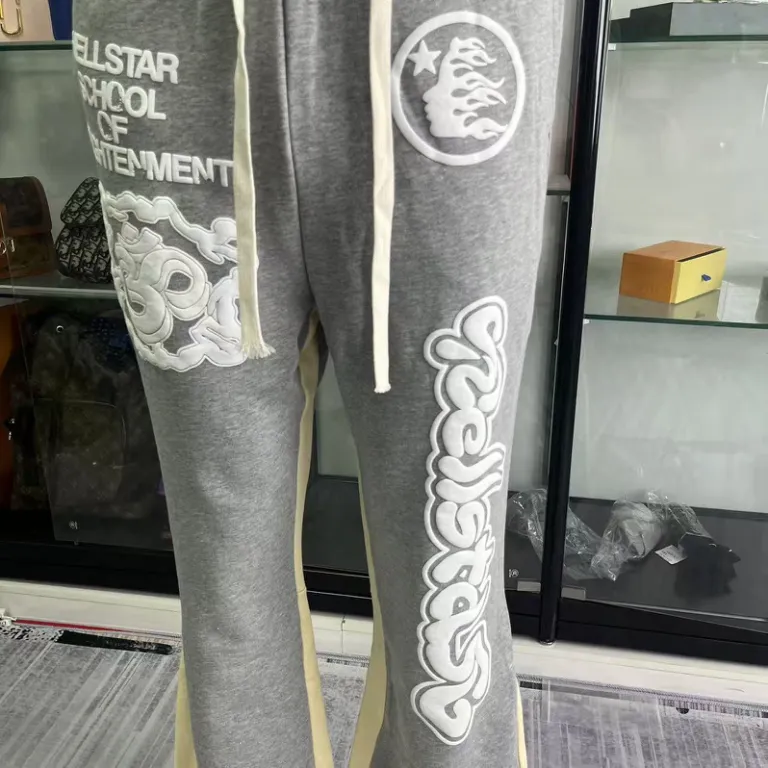
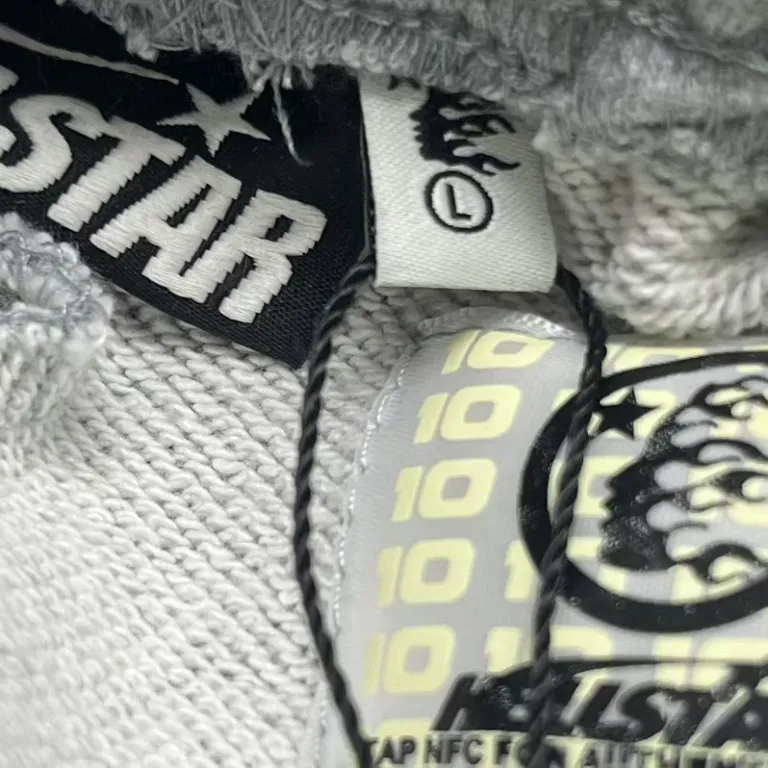
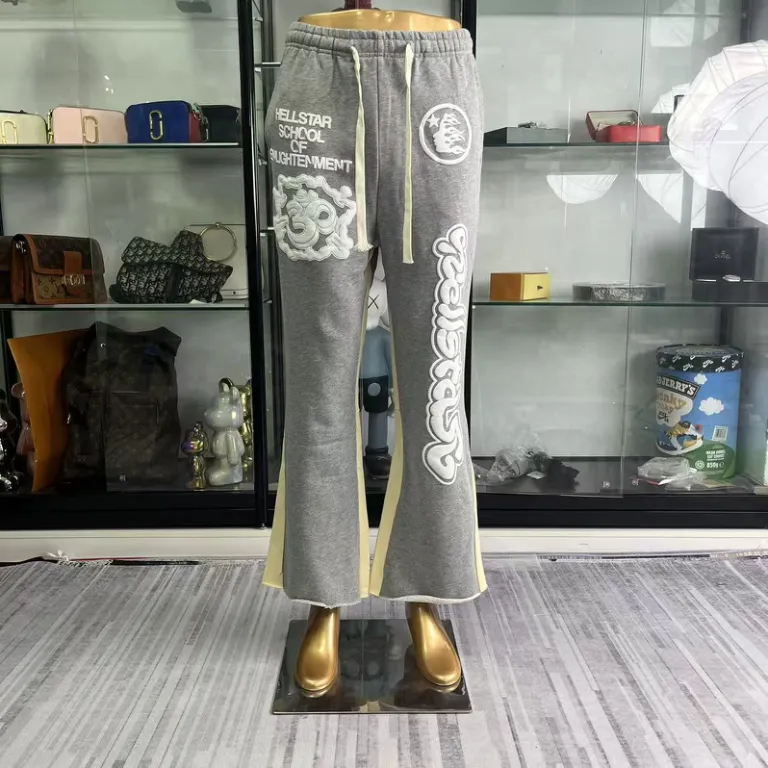
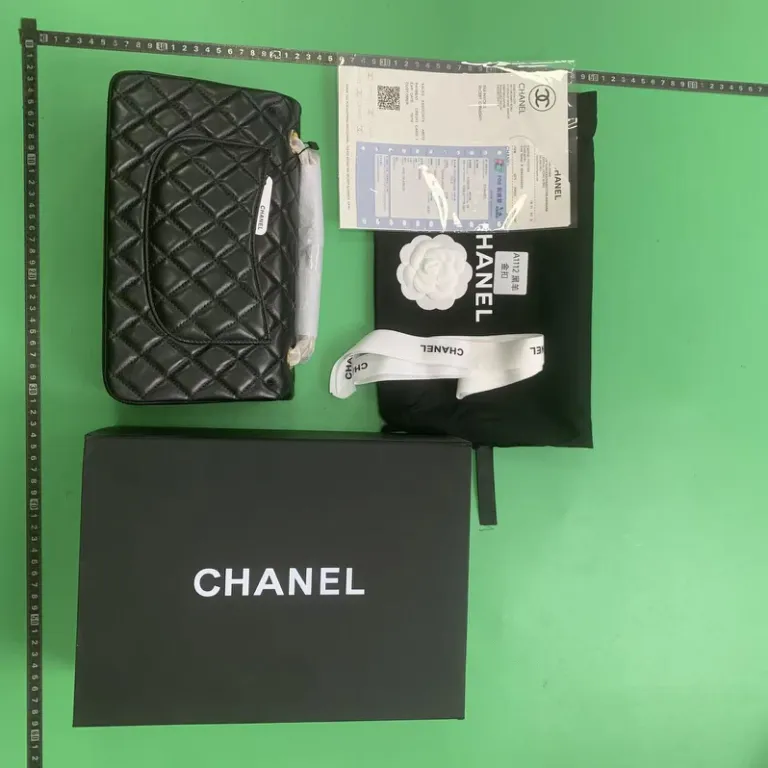
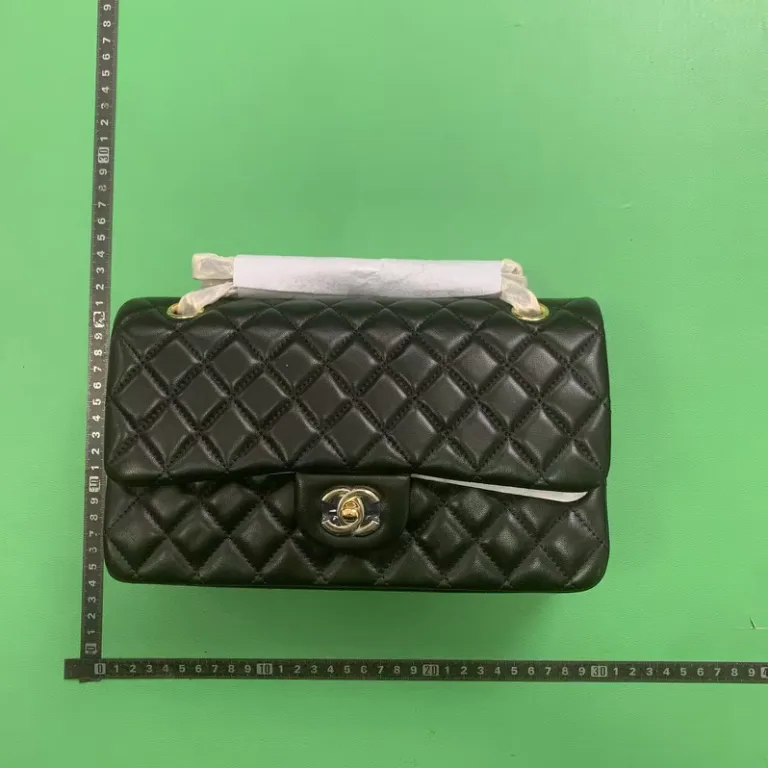
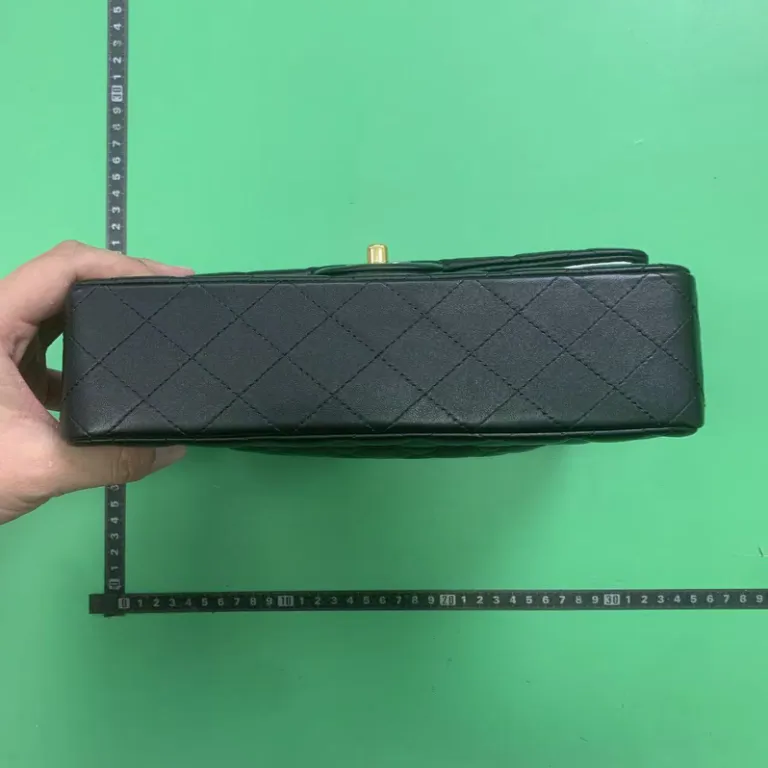
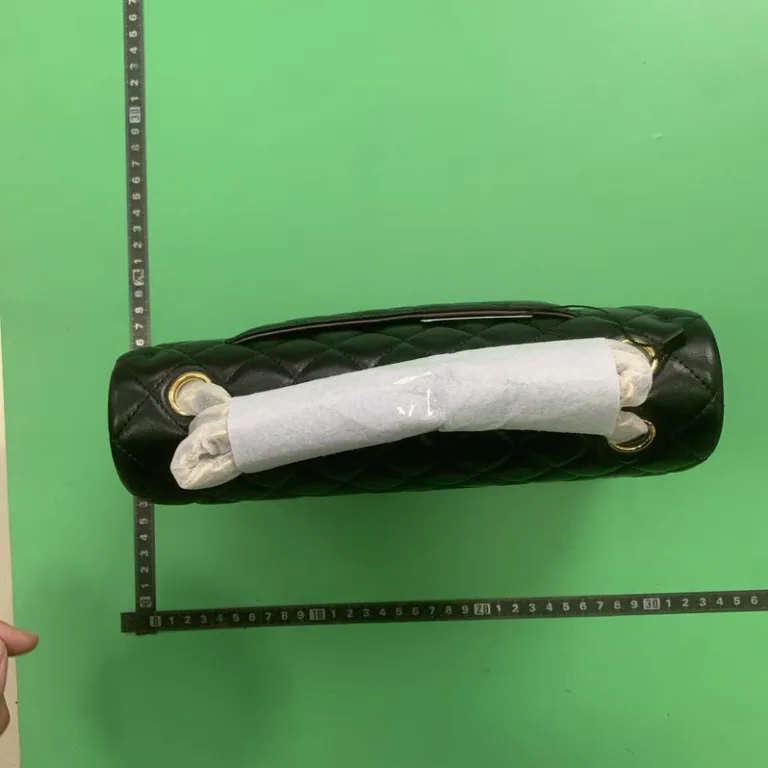
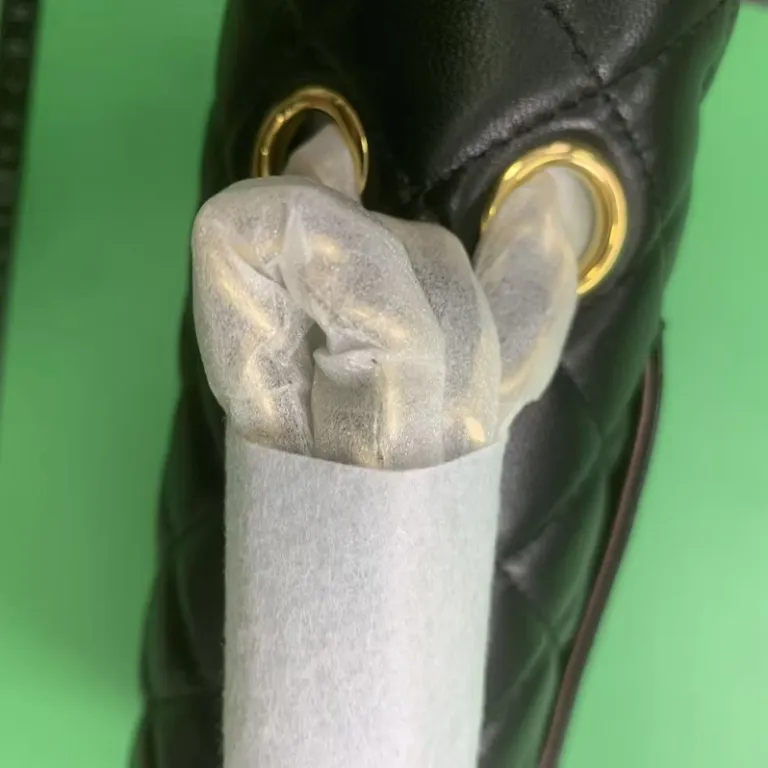
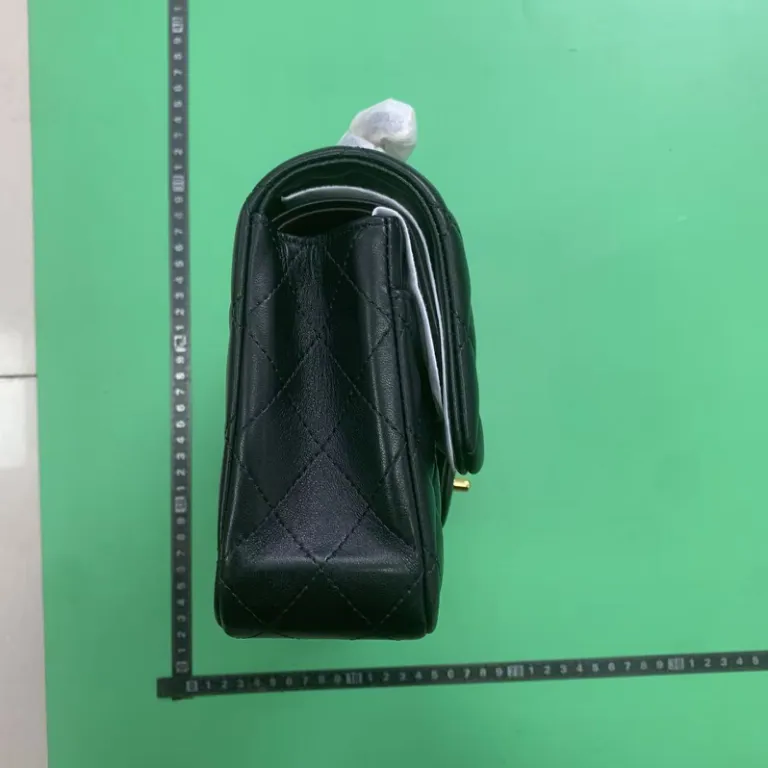
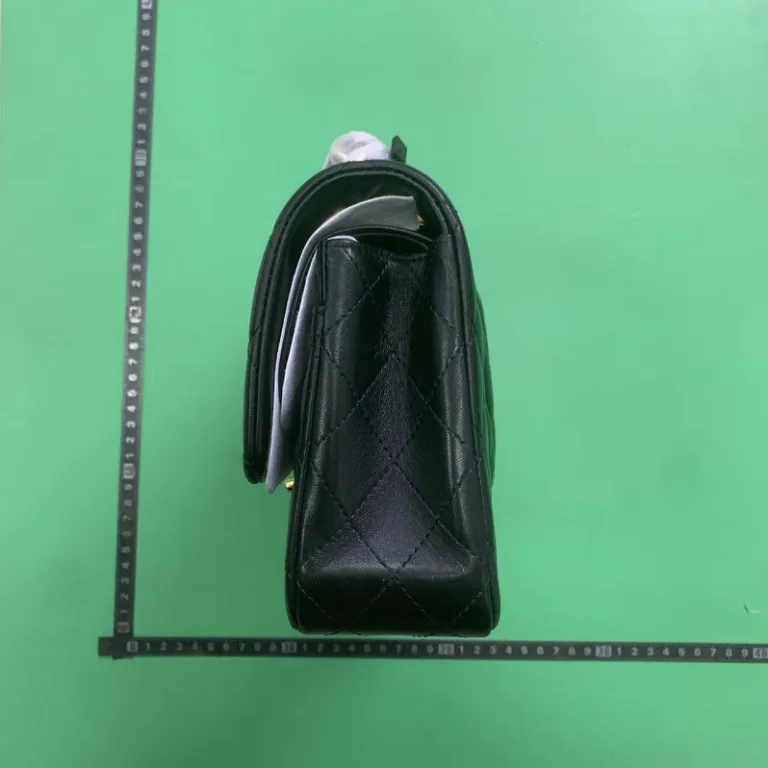
Check the heel color on sneakers, print placement on joggers, and the hardware and seams on bags and watches. Use these sample angles to decide what to look for in your own warehouse photos.
White sneakers with orange heels
Check both heel panels, the outsole pattern and the tongue label.
Gray graphic joggers
Check print placement, side seams and the size label.

Black quilted shoulder bag
Compare quilting, the clasp, the base and both gussets.
Green-dial bracelet watch
Compare the dial and bracelet angles. Ask for a separate function check if you need one.